Dental Live Chat Setup: How to Launch HIPAA-Compliant Chat That Books More Patients
Posted on 5/22/2026 by WEO Media |
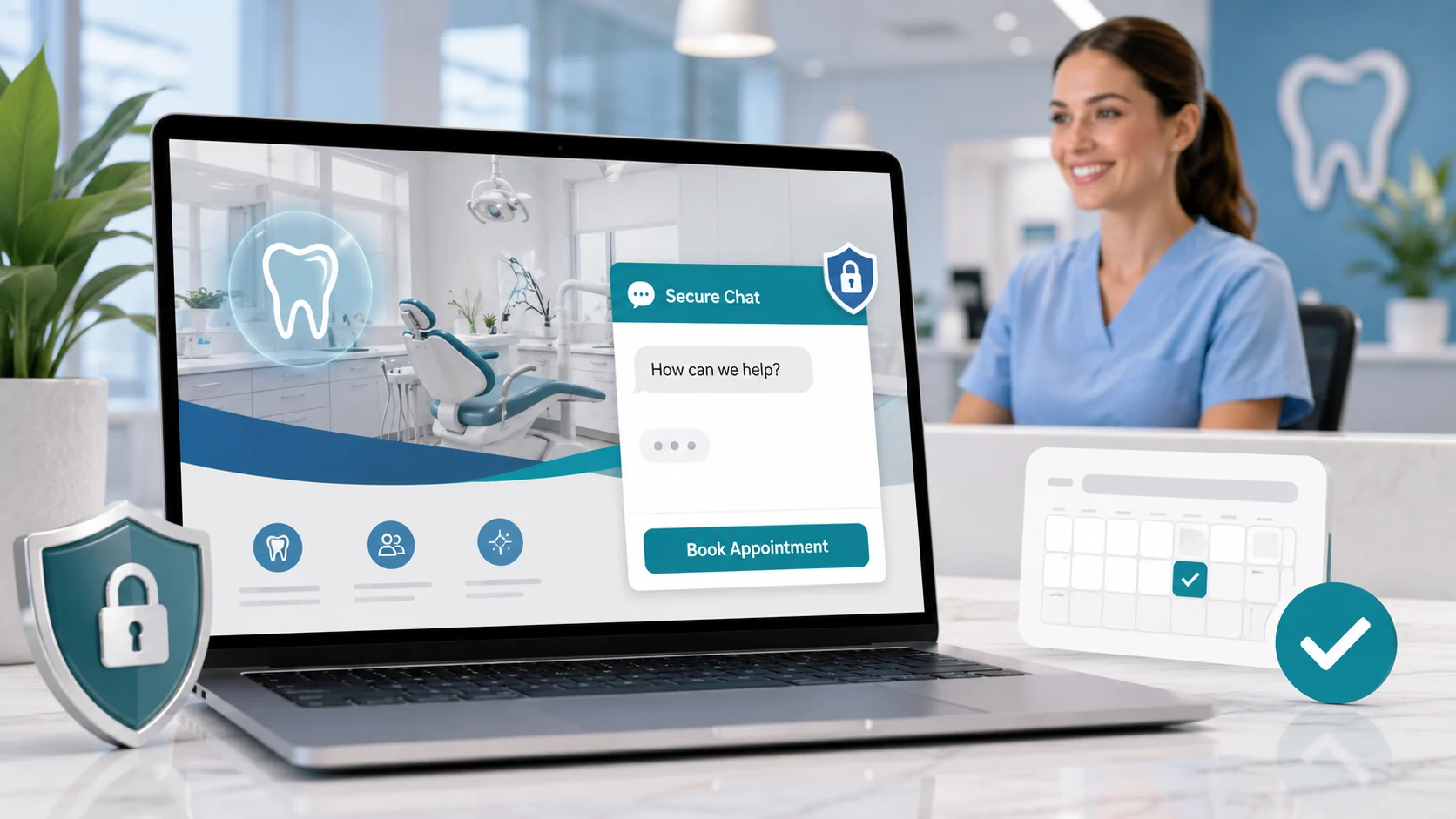 To set up HIPAA-compliant dental live chat that books more patients, pick a chat solution that fits your team’s coverage, sign a Business Associate Agreement (BAA) with the vendor, install the widget on high-intent pages, configure routing to a trained owner and backup, write opening prompts that move visitors toward booking without collecting protected health information (PHI) in the open chat window, and define an after-hours fallback so leads don’t go unanswered. Done right, dental live chat captures visitors who won’t pick up the phone and turns them into booked appointments—without overloading your front desk. To set up HIPAA-compliant dental live chat that books more patients, pick a chat solution that fits your team’s coverage, sign a Business Associate Agreement (BAA) with the vendor, install the widget on high-intent pages, configure routing to a trained owner and backup, write opening prompts that move visitors toward booking without collecting protected health information (PHI) in the open chat window, and define an after-hours fallback so leads don’t go unanswered. Done right, dental live chat captures visitors who won’t pick up the phone and turns them into booked appointments—without overloading your front desk.
Why this matters now: a meaningful share of dental website visitors prefer to type rather than call. Some are at work, some are anxious about cost, some are weighing two practices side by side, and some are after hours. If your site only offers a phone number or a contact form, you’re asking a buyer-mode visitor to wait. Live chat closes that gap—but only if it’s set up with real coverage, real scripts, and HIPAA-aware guardrails.
Already have chat installed but it’s underperforming? Skip to scripts, training and measurement, or common mistakes; most dental chat problems are operational, not technical.
Below, you’ll learn how to choose between live-staffed chat, AI chat, and hybrid options; what to decide before you install anything; the exact installation and configuration steps; how to write opening messages that book appointments without violating HIPAA; how to train your team; and the metrics that show whether chat is actually working.
Written for: dental practice owners, office managers, and marketing coordinators who want to add live chat to their website—or fix the live chat they already have—without creating a HIPAA risk or burning out the front desk.
TL;DR
If you only do seven things, do these:
| • |
Match the chat type to your coverage - live-staffed if you have desk capacity, AI/automated if you don’t, hybrid for after-hours coverage with live during peak windows
|
| • |
Sign a BAA before going live - any chat tool that could receive PHI needs a HIPAA Business Associate Agreement with the vendor
|
| • |
Install on high-intent pages first - homepage, contact, appointment request, new patient, and your top service pages (implants, Invisalign, emergency, cosmetic)
|
| • |
Write a booking-oriented opening prompt - greet, qualify visit type, offer the next step (book online, send a callback, or move to phone)
|
| • |
Set a named owner, backup, and after-hours rule - chats without owners go cold; cold chats are lost patients
|
| • |
Train staff on PHI guardrails - never collect symptoms, diagnoses, photos, or insurance numbers in the open chat window
|
| • |
Measure chats-to-appointments, not chat volume - the only metric that matters is how many chats become kept visits |
Table of Contents
How to choose the right dental live chat solution
There are three working models for dental live chat, and the right one depends on your team’s capacity, your after-hours strategy, and your willingness to underwrite HIPAA compliance with a Business Associate Agreement.
The three models, in plain terms:
| • |
Live-staffed chat - your team (front desk, treatment coordinator, or marketing coordinator) answers chats in real time during open hours; best for practices with desk capacity and clear ownership
|
| • |
AI / automated chat - an AI chatbot handles structured conversations 24/7, qualifying visitors and capturing contact info; best for practices that can’t staff chat live but want around-the-clock capture
|
| • |
Hybrid (managed + AI, or live + automated fallback) - live answers during peak windows, AI or third-party chat operators after hours and on weekends; best for practices that want full coverage without hiring |
Match the model to your reality, not the demo. In our work with practices, the most common failure mode is choosing live-staffed chat without naming an owner—chats go unanswered, the “we’re here” promise breaks, and visitors bounce. If you can’t guarantee a response inside 60 seconds during open hours, default to AI or hybrid until you build coverage.
What to look for in a dental chat platform:
| • |
HIPAA capability and BAA - the vendor must sign a Business Associate Agreement and document encryption, access controls, and breach notification
|
| • |
Mobile-responsive widget - more than half of dental website traffic is mobile; the widget must not block the booking button or service content
|
| • |
Routing and notifications - email, SMS, and dashboard alerts to a named owner and backup, with escalation if no one responds
|
| • |
Offline lead capture - when chat is offline, the widget still collects name, contact, and visit type as a lead
|
| • |
Booking integration - either deep-links to your online scheduler or hands off cleanly to phone/text
|
| • |
Transcript storage - retained in a HIPAA-compliant environment for the period your compliance plan requires
|
| • |
Reporting - chat volume, response time, lead capture rate, and (ideally) chat-to-appointment conversion |
What to avoid: generic widget plugins with no BAA, free chat tools that route through third-country servers, and any platform that can’t tell you where chat transcripts are stored. The cost of a HIPAA breach—regulatory, reputational, and operational—dwarfs the savings from a free widget.
> Back to Table of Contents
Pre-launch decisions before installing dental live chat
The most common reason dental live chat fails isn’t the software—it’s skipping the operational decisions before launch. Make these six decisions in writing before you install a single line of code.
1. Coverage hours. Decide the exact hours chat will be staffed live. Match them to your actual desk coverage, not your wishlist. If you can only cover 9:00–11:30 a.m. and 1:30–4:30 p.m., publish those hours. Outside those hours, the widget shifts to offline capture or AI.
2. Response-time target. A practical benchmark for dental practices is under 60 seconds to first reply during covered hours. Chats that wait longer than two minutes routinely abandon. Slower targets are fine—just make them honest.
3. Named owner and backup. One person owns chat during each block (often the treatment coordinator or a dedicated front-desk member). A named backup covers breaks, transfers, and the lunch handoff. “Whoever sees it first” is not an ownership plan.
4. After-hours strategy. Pick one: offline form capture, AI bot, third-party chat operators, or a hybrid. Whatever you pick, the visitor should never hit a dead end—every chat should end with a captured lead and a promised next step.
5. PHI protocol. Decide what your team can and cannot discuss in chat. The safe default: greet, qualify visit type at a high level, capture name and best contact, and move sensitive details (symptoms, photos, insurance numbers, treatment history) to a phone call or secure intake form.
6. Page placement. List the pages where chat will appear. High-intent pages first: homepage, contact, appointment request, new patient, and your top-converting service pages. Avoid blog posts and policy pages where chat can feel intrusive.
> Back to Table of Contents
Step-by-step dental live chat installation
Once your pre-launch decisions are made, installation is straightforward. Most modern chat platforms install in under an hour. The work is in the configuration and testing.
| 1. |
Sign the Business Associate Agreement (BAA) - request and execute the BAA with your chat vendor before installation; do not skip this step even if you don’t plan to collect PHI—visitors will sometimes send it anyway
|
| 2. |
Create operator accounts - set up named accounts for each team member who will answer chats; avoid shared logins (they break audit trails and accountability)
|
| 3. |
Install the widget code - paste the vendor’s snippet into your site’s footer or use the official plugin for your CMS; if WEO Media - Dental Marketing manages your dental website, we install and place the widget for you
|
| 4. |
Configure page targeting - enable the widget on your priority pages only (homepage, contact, appointment, new patient, top service pages); suppress it on legal, HIPAA notice, and policy pages
|
| 5. |
Set up routing and notifications - route new chats to your named owner with email + SMS alerts; configure an escalation rule that pings the backup if the primary doesn’t respond in 60 seconds
|
| 6. |
Configure offline behavior - when chat is offline, switch the widget to a short form (name, contact, visit type, best time to reach) and confirm the form notification reaches the right inbox
|
| 7. |
Write opening prompts and quick replies - load your scripted greetings, common-question replies, and booking handoff message (full scripts in the next section)
|
| 8. |
Test from at least three devices - desktop browser, iPhone, and Android; verify the widget loads, the chat opens, notifications fire, and the offline form submits cleanly
|
| 9. |
Run a one-week soft launch - enable on one or two pages first, monitor response times and lead capture, then expand to the full priority page set |
What we typically find during testing: the most common installation problems are notifications going to a person who has left the practice, the widget covering the booking button on mobile, and the offline form sending to a generic info@ address that nobody monitors. Test before you announce.
> Back to Table of Contents
How to write dental live chat opening messages and scripts
A good dental chat script does three things: greets warmly, qualifies the visit type at a high level, and moves toward a booking or callback—the same principles that drive effective dental phone scripts. It does not diagnose, quote prices, or collect detailed medical information in the open chat window.
Opening greeting (proactive prompt)
The proactive greeting fires after a visitor has been on the page for 15–30 seconds, or when they show exit-intent. Keep it short, friendly, and helpful—not pushy.
Sample proactive prompts:
| • |
Homepage: “Hi! Looking for a new dentist or have a question about an upcoming visit? Happy to help.”
|
| • |
Implants service page: “Questions about dental implants? I can share next steps or help you book a consult.”
|
| • |
Emergency page: “Dental emergency? Tell me what’s going on and I’ll get you to the right person.”
|
| • |
Invisalign page: “Curious about clear aligners? I can answer questions or book your consult.” |
Qualifying questions
Qualifying isn’t interrogation. Two short questions are enough to route the visitor:
| • |
“What brings you in today—new patient, existing patient, or specific concern?”
|
| • |
“What’s the best name and phone number to reach you so we can confirm?” |
Booking handoff
Every productive chat ends with one of three handoffs:
| 1. |
Direct online booking - “You can grab a time that works for you here: [booking link]. Want me to walk you through it?”
|
| 2. |
Scheduled callback - “Our team can call you back today between [window]. What number is best?”
|
| 3. |
Move to phone - “This will be quicker by phone—our team is available at 888-246-6906. Want me to let them know you’re calling?” |
PHI guardrails inside scripts
Train your team to redirect when visitors share sensitive information. Sample redirect:
“Thanks for sharing that. For privacy, let’s move the clinical details to a phone call or a secure intake form—I’ll get you to the right person now.”
This protects the practice, protects the visitor, and is genuinely the better experience for anyone describing pain, swelling, or a medical history.
> Back to Table of Contents
HIPAA compliance for dental live chat
Dental live chat sits squarely under HIPAA when there’s any chance a visitor will share protected health information—and they will, even when you tell them not to. Treat every chat tool as a potential PHI channel and configure it accordingly.
The non-negotiables:
| • |
Signed Business Associate Agreement (BAA) - executed with the chat vendor before launch, on file, and reviewed annually
|
| • |
Encryption in transit and at rest - confirm in writing that the vendor encrypts chat traffic and stored transcripts
|
| • |
Access controls - named operator accounts (no shared logins), role-based permissions, and audit logs of who accessed which conversation
|
| • |
Defined retention period - transcripts retained only as long as your compliance plan requires, then destroyed under documented procedure
|
| • |
Breach notification clause - the BAA must define how and when the vendor notifies you of a breach so you can meet your notification obligations
|
| • |
Staff training and documentation - chat operators trained on PHI handling, with the training documented in your compliance file |
The most common HIPAA mistakes we see in dental chat: using a free or off-the-shelf chat widget with no BAA, allowing chat operators to log in from personal devices on shared accounts, storing transcripts indefinitely with no retention rule, and using AI/chatbot tools that route data through third parties not covered by a BAA.
An important nuance: a BAA does not give your team license to collect PHI freely in chat. The cleanest position is still to keep clinical detail off the open chat window—move it to a phone call or a HIPAA-compliant secure form. The BAA covers the inevitable case where a visitor volunteers information; it’s not an invitation to ask for it.
> Back to Table of Contents
How to train your team and measure dental live chat performance
The software runs in an hour. The team training is what makes chat actually work.
What to train (and document)
A pattern we commonly see in practices that get chat right: a short, focused training that covers tone, scripts, escalation, and PHI—not a one-time meeting, but a documented playbook the team can return to.
| • |
Tone and voice - warm, concise, conversational; match the practice’s voice on the rest of the site
|
| • |
Response time discipline - first reply inside 60 seconds during covered hours; if not possible in the moment, send a holding message
|
| • |
Scripted openers and quick replies - load these into the platform so they’re one click away
|
| • |
Escalation paths - when to ping the office manager, when to move to phone, when to flag to the doctor
|
| • |
PHI redirect language - the exact phrase to move clinical detail to phone or secure form
|
| • |
Closing the loop - every chat ends with either a booked appointment, a scheduled callback, or a captured lead with next step assigned |
What to measure (and what to ignore)
Vanity metrics make chat look successful when it isn’t. Operational metrics tell you whether chat is actually contributing to the practice.
Measure these:
| • |
Chat-to-appointment conversion rate - of all chats started, what percentage became a scheduled appointment? This is the only metric that matters at the top
|
| • |
Chat-to-kept-visit rate - of scheduled chats, what percentage kept the visit? Catches no-show patterns specific to chat-sourced leads
|
| • |
First-reply time during covered hours - target under 60 seconds; sustained higher times signal coverage gaps
|
| • |
Offline form completion rate - of visitors who hit chat when offline, what percentage submitted the form? Low numbers mean your offline experience needs work
|
| • |
Lead source attribution - tag chat-sourced leads in your practice management system so they don’t get credited to “phone” or “other,” similar to how call tracking by source separates phone leads |
Ignore (or de-prioritize):
| • |
Raw chat volume - more chats with no booked appointments is a busier desk, not a more profitable practice
|
| • |
Average chat length - longer chats often mean unclear scripts, not better service
|
| • |
Vendor-supplied “satisfaction” scores - useful as a directional check, not as a primary KPI |
Weekly review cadence
Once a week, the chat owner reviews the previous week’s chats with the office manager. Five questions:
| 1. |
How many chats started?
|
| 2. |
How many became appointments?
|
| 3. |
How many became kept visits?
|
| 4. |
What was the average first-reply time?
|
| 5. |
Which chats stalled, and why? |
This turns chat from a feature you installed into a system you operate.
> Back to Table of Contents
Common dental live chat mistakes to avoid
In our work with practices, the same handful of mistakes show up over and over. Avoid these and your chat will outperform most of your competitors’ chats without any additional spend.
| • |
Promising hours you can’t cover - if the widget says “we’re online” and nobody answers, you’ve trained visitors to distrust the practice; publish honest hours
|
| • |
No named owner - chats handled by “whoever sees it” routinely get ignored during peak windows; assign ownership in writing
|
| • |
Treating chat like email - a 30-minute reply on chat is a lost lead; chat is a real-time channel or it’s nothing
|
| • |
No after-hours plan - more than a third of dental web traffic happens outside business hours; a widget that goes silent at 5 p.m. loses those visitors
|
| • |
Collecting PHI in the open chat window - symptoms, medication lists, photos, insurance numbers all need to move to phone or secure form
|
| • |
Skipping the BAA - using a chat tool without a Business Associate Agreement is a compliance risk that compounds with every chat
|
| • |
Measuring volume, not conversion - busy chat with no booked appointments is a cost center, not a marketing channel; track chat-to-patient conversion instead
|
| • |
Letting the widget cover the booking button on mobile - test mobile UX carefully; a widget that blocks “Book Online” cannibalizes your own conversions
|
| • |
Generic, off-brand scripts - chat that sounds like every other dentist’s chat doesn’t differentiate the practice; rewrite for voice |
> Back to Table of Contents
Get help setting up dental live chat
If you’d like help selecting a HIPAA-compliant chat platform, installing it on your site, writing the scripts, training your team, and setting up the reporting that proves whether it’s working, our team at WEO Media - Dental Marketing builds and manages live chat for dental practices across the country. Call us at 888-246-6906 to talk through your setup.
> Back to Table of Contents
FAQs
Do dental practices need HIPAA-compliant live chat?
Yes. Any chat tool on a dental website should be treated as a potential channel for protected health information (PHI), because visitors frequently share symptoms, medications, or insurance details unprompted. Practices should sign a Business Associate Agreement (BAA) with the chat vendor, confirm encryption in transit and at rest, use named operator accounts with audit logging, and define a transcript retention period before launch.
Should a dental practice use live-staffed chat or an AI chatbot?
Choose based on coverage capacity, not preference. Practices with a named chat owner and reliable desk coverage usually get the best results from live-staffed chat during business hours. Practices without dedicated coverage default to AI or a hybrid model, where automation handles after-hours and overflow while live operators cover peak windows. The worst outcome is live-staffed chat with no real ownership—chats go unanswered and trust erodes.
How fast should a dental office respond to live chat messages?
A practical benchmark is under 60 seconds to first reply during covered hours. Chats that wait longer than two minutes routinely abandon. If sustained first-reply times slip above 60 seconds, the issue is usually a coverage gap during peak windows like lunch and end-of-day rather than slow typing—the fix is staffing, not training.
Where on a dental website should live chat be installed?
Install the widget on high-intent pages first: homepage, contact, appointment request, new patient, and top-converting service pages such as implants, Invisalign, emergency, and cosmetic. Suppress chat on legal, HIPAA notice, and policy pages where it can feel intrusive. On mobile, confirm the widget does not cover the booking button or primary navigation.
What should the opening message say for dental live chat?
Keep the proactive greeting short, friendly, and oriented toward a next step. For a homepage, a working pattern is: “Hi! Looking for a new dentist or have a question about an upcoming visit? Happy to help.” Service-page greetings should reference the service by name, for example: “Questions about dental implants? I can share next steps or help you book a consult.” Avoid clinical questions in the opener; qualify the visit type at a high level and move toward booking.
What hours should dental live chat be available?
Publish only the hours you can actually staff. If desk coverage is 9:00–11:30 a.m. and 1:30–4:30 p.m., those are your live hours. Outside those windows, switch the widget to an offline form that captures name, contact, and visit type, or route to an AI bot or third-party chat operator. Promising 24/7 availability you can’t deliver damages trust faster than no chat at all.
How do you measure whether dental live chat is working?
Track chat-to-appointment conversion rate and chat-to-kept-visit rate, not raw chat volume. Tag chat-sourced leads in the practice management system so they don’t get credited to “phone” or “other.” Review weekly: chats started, chats converted to appointments, chats converted to kept visits, average first-reply time, and where chats stalled. Volume without conversion is a cost center, not a marketing channel.
Can dental live chat be used to book appointments directly?
Yes, in two ways. The chat can deep-link to an online scheduler so the visitor selects a time inside the chat flow, or the operator can hand off to a scheduled callback or live phone transfer. The right path depends on the practice’s booking tools and the visit type—new-patient consults often book cleanly online, while emergencies and complex treatment usually book best by phone. |
|





