Dental Website Conversion Tracking: How to Set Up GA4 and Call Tracking to Prove Marketing ROI
Posted on 4/21/2026 by WEO Media |
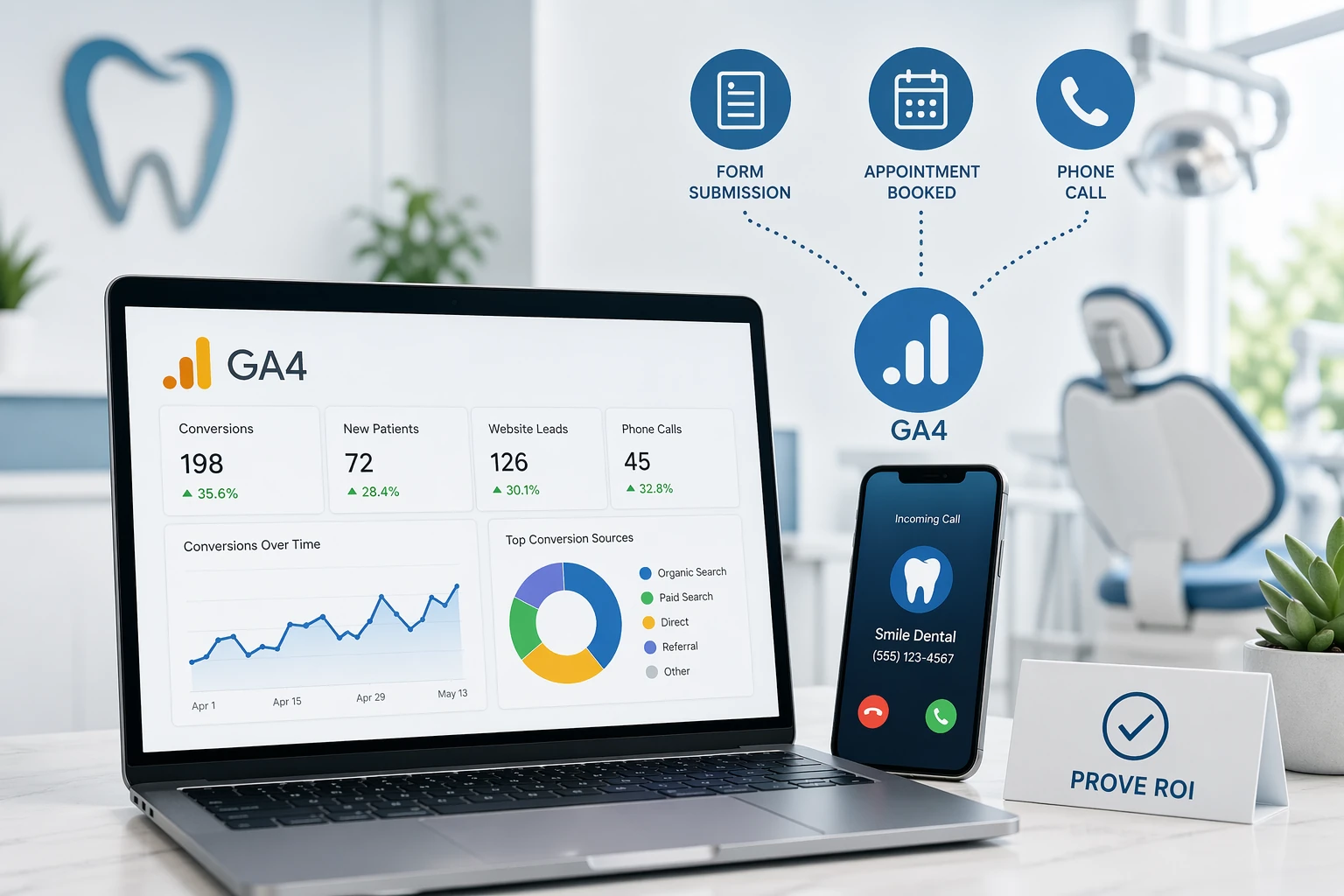 Setting up dental website conversion tracking with GA4, Google Tag Manager, and call tracking is how dental practices prove marketing ROI—measuring which channels, pages, and campaigns actually produce new patient inquiries instead of just traffic, clicks, or pageviews. Without it, you’re guessing about SEO, paid ads, and referrals. With it, you turn “we had 4,000 visitors last month” into “we had 87 appointment requests, 112 phone calls, and 14 chat starts—and 62% came from organic search.” This guide shows you exactly how to set it up, what to track, how to verify it’s working, and how to turn the data into practice growth. Setting up dental website conversion tracking with GA4, Google Tag Manager, and call tracking is how dental practices prove marketing ROI—measuring which channels, pages, and campaigns actually produce new patient inquiries instead of just traffic, clicks, or pageviews. Without it, you’re guessing about SEO, paid ads, and referrals. With it, you turn “we had 4,000 visitors last month” into “we had 87 appointment requests, 112 phone calls, and 14 chat starts—and 62% came from organic search.” This guide shows you exactly how to set it up, what to track, how to verify it’s working, and how to turn the data into practice growth.
The core problem: most dental websites either track nothing, track the wrong things, or track conversions that don’t tie back to actual booked appointments. The fix is a focused tracking stack—Google Analytics 4 (GA4), Google Tag Manager (GTM), call tracking, and a tight outcome log that connects web events to kept appointments.
Need more demand first? If your website isn’t generating enough inquiries yet, start with patient acquisition before optimizing tracking.
Written for: dental practice owners, office managers, and in-house marketing leads who want to stop guessing about marketing ROI and start measuring which channels actually deliver patients.
TL;DR
If you only do six things, do these:
| • |
Define conversions that matter - appointment requests, qualified phone calls, new patient form submissions, and chat starts—not pageviews or bounce rate
|
| • |
Use GA4 key events - terminology changed in March 2024 from “conversion events” to “key events”; the setup logic is the same but the label is different
|
| • |
Deploy through Google Tag Manager - GTM keeps your site clean, gives you preview/debug mode, and lets you add or change tags without a developer
|
| • |
Track phone calls separately - use dynamic number insertion (DNI) so you can see which page or channel drove each call
|
| • |
Verify with DebugView and Tag Assistant - if you skip verification, you’ll find out tracking was broken months later when the data is already gone
|
| • |
Connect web conversions to booked appointments - a form submission isn’t a patient; match web events to your outcome log so you know the real booked and kept rates |
Table of Contents
What counts as a dental website conversion
A conversion is any measurable action on your website that indicates real interest in becoming a patient. Pageviews, session length, and bounce rate are engagement metrics—they tell you how people use the site, not whether the site is producing patients. A pattern we commonly see: practices proudly report “10,000 monthly sessions” while the appointment book barely moves. Without conversion tracking, nobody knows where the leak is.
High-value conversions to track on a dental website:
| • |
Appointment request form submissions - the cleanest signal of intent; someone filled out their name, phone, and preferred time
|
| • |
Phone calls from the website - especially calls lasting longer than a threshold (often 60–120 seconds) to filter out wrong numbers and quick hang-ups
|
| • |
New patient form submissions - pre-visit paperwork completion; strong signal for booked appointments
|
| • |
Chat conversations started - both live chat and chatbot sessions that hand off to staff
|
| • |
Click-to-call from the mobile header - a separate event from desk calls, since mobile click-to-call visitors are typically further down the funnel
|
| • |
Directions/map clicks - often a leading indicator for walk-ins and scheduled first visits
|
| • |
Online booking widget starts - for practices using online scheduling tools like LocalMed, NexHealth, or similar |
Conversions to avoid treating as primary: newsletter signups, blog subscribes, social follows, and video plays. They’re useful as secondary engagement events, but they don’t reliably predict new patients. If you mark them as key events, you’ll inflate your numbers and make campaign decisions on soft signals.
> Back to Table of Contents
The conversion tracking stack you need
You don’t need expensive enterprise tools. A focused stack of four components covers roughly 95% of what a dental practice needs:
| 1. |
Google Analytics 4 (GA4) - the free analytics platform that replaced Universal Analytics in July 2023; all new setups are GA4 by default
|
| 2. |
Google Tag Manager (GTM) - a free tag deployment tool that lets you add GA4, call tracking, and ad platform tags without editing site code every time
|
| 3. |
Call tracking platform - a third-party tool that provides trackable phone numbers and dynamic number insertion; common options include CallRail, CallTrackingMetrics, and WhatConverts
|
| 4. |
Outcome log or CRM - a simple record of which inquiries became booked and kept appointments; this is what turns “leads” into actual ROI data |
Optional but often worth it:
| • |
Google Ads conversion tracking - if you run PPC, you need this to optimize bids and targeting
|
| • |
Microsoft Advertising UET tag - if you run Bing ads, this works similarly to Google Ads conversion tracking
|
| • |
Meta (Facebook) Pixel plus Conversions API - if you run social ads, the pixel plus server-side CAPI improves attribution
|
| • |
Heatmap or session recording tool - tools like Hotjar or Microsoft Clarity (Clarity is free) help you see why conversion rates are what they are |
What we typically find: practices already have GA4 installed but no key events configured. The platform is collecting data—it just doesn’t know what you consider a win. Configuring key events is usually the highest-leverage hour of work in the entire setup.
> Back to Table of Contents
How to set up GA4 key events
Before you start: GA4 uses key events, not conversion events. Google changed the terminology in March 2024—the functionality is the same, but the label is different. Older tutorials and videos still say “conversion events,” which causes confusion. You’re looking for the “Mark as key event” toggle in the GA4 Events report.
Step 1: Install GA4 through Google Tag Manager
If you don’t have GTM installed yet, add the GTM container snippet to your site (most dental website platforms support this in the theme or settings). Then in GTM:
| 1. |
Create a new tag of type “Google Tag” and paste in your GA4 Measurement ID (starts with G-)
|
| 2. |
Set the trigger to “All Pages” so it fires on every page load
|
| 3. |
Save, then click “Preview” to verify the tag fires on your site
|
| 4. |
Submit and publish the container when preview looks clean |
Step 2: Create event triggers for each conversion
For each conversion type (form submit, phone click, chat start, etc.), you’ll create a GTM trigger and a GA4 event tag:
| • |
Form submissions - use a form submission trigger or a custom trigger tied to your form plugin’s success event; many dental website builders fire a thank-you page or JavaScript event you can hook into
|
| • |
Phone clicks - use a click trigger filtered to links starting with “tel:”
|
| • |
Chat starts - most chat platforms expose a JavaScript event; use a Custom Event trigger matching that name
|
| • |
Directions clicks - click trigger filtered to “maps.google.com” or “maps.apple.com” URLs
|
| • |
Scheduling widget starts - custom event tied to the widget’s JavaScript callback |
Step 3: Send each event to GA4
For each trigger, create a GA4 Event tag in GTM. Name events descriptively and consistently: form_submit, phone_click, chat_start, directions_click, schedule_start. Use lowercase with underscores—GA4 is case-sensitive, and mixed casing makes reports messy.
Step 4: Mark events as key events in GA4
After an event has fired at least once and appears in your GA4 Events report (this can take 24–48 hours):
| 1. |
Go to Admin → Events
|
| 2. |
Find your event in the list
|
| 3. |
Toggle “Mark as key event” on
|
| 4. |
Repeat for each conversion event |
Step 5: Link GA4 to Google Ads
If you run paid search, go to Admin → Product Links → Google Ads Links and connect your account. Then import GA4 key events into Google Ads as conversions. This lets Google’s bidding algorithms optimize toward actual patient inquiries instead of clicks.
> Back to Table of Contents
How to track phone calls from your website
Phone calls are still the dominant conversion type for most dental practices—often 60–75% of new patient inquiries come by phone, not form. If you’re only tracking form submissions, you’re missing the majority of your real conversion data.
There are two levels of call tracking, and most practices need both.
Level 1: Click-to-call tracking (free, limited)
This tracks when someone clicks a “tel:” link on your site—but only on mobile, and only the click, not whether a real conversation happened. It’s a useful signal, but it undercounts (desktop users dial from a different phone) and overcounts (not every click becomes a call). Set this up through GTM as described in the GA4 setup section above.
Level 2: Dynamic Number Insertion (DNI, recommended)
DNI dynamically swaps your main practice number with a trackable number based on the traffic source. A visitor from Google organic sees one number; a visitor from a Google Ads campaign sees another; a direct visitor sees a third. When they call, the system records the source, duration, and (where legal) a recording. This is the only way to answer “which channel drove this call?” with confidence.
Setup requirements for DNI:
| • |
A call tracking subscription with a pool of tracking numbers sized to your traffic (most providers auto-size this)
|
| • |
The provider’s JavaScript snippet installed through GTM
|
| • |
Your main number used consistently across the site so the script has one canonical number to replace
|
| • |
Integration with GA4 and Google Ads so calls show up as events alongside form submissions
|
| • |
NAP consistency safeguards - don’t let DNI swap the number in your Google Business Profile, local citations, or footer schema; inconsistent NAP data damages local SEO rankings |
Call qualification matters. Not every tracked call is a conversion. Most dental practices set a minimum call duration (commonly 60–120 seconds) to filter out wrong numbers, hang-ups, and existing-patient calls. Review the recordings for the first two weeks of setup to calibrate the threshold to your actual call patterns.
> Back to Table of Contents
How to verify your tracking is working
If you skip verification, you’ll usually find out six months later that a tag broke, a trigger misfired, or an event was double-counting. By then the data is gone and the decisions you made on it were wrong. Verification is non-negotiable.
Four verification tools to run before you trust the data:
| 1. |
GTM Preview mode - in GTM, click Preview, connect to your site in a new tab, and walk through every conversion action (submit a test form, click the phone number, start a chat); confirm each tag fires once and only once
|
| 2. |
GA4 DebugView - install the GA4 Debug extension for Chrome, open DebugView in your GA4 property, and repeat the test actions; each event should appear in real time with the correct parameters
|
| 3. |
Tag Assistant Companion - Google’s free Chrome extension that shows every Google tag firing on a page and flags errors
|
| 4. |
Real-Time report in GA4 - after 1–5 minutes, test events should appear in the Real-Time overview under “Event count by Event name” |
Test from real scenarios, not just the homepage. Submit the form from a service page. Click the phone number from a blog post. Start a chat from the contact page. Different pages often use different templates, and it’s common for a tag to work on one template and not another.
Re-verify quarterly. Website updates, plugin changes, and theme updates frequently break tracking. Build a 15-minute quarterly check into your team’s calendar. Practices that skip this end up with “we had no form submissions in August” mysteries that are actually “the form plugin updated and broke the tracking event.”
> Back to Table of Contents
Common dental conversion tracking mistakes
These are the errors we see most often when auditing dental practice analytics setups:
| • |
Marking everything as a key event - setting 15 different events as key events dilutes the signal; pick 3–5 that matter most and report on those
|
| • |
Sending patient PHI to GA4 - never include patient names, email addresses, phone numbers, birthdates, or any other identifiable info in event parameters; this creates HIPAA issues and violates Google’s terms of service
|
| • |
Not filtering internal traffic - your team visiting the site to check pages inflates your numbers; configure IP filters or internal traffic rules in GA4
|
| • |
Double-counting form submissions - some forms fire both a success event and a pageview of a thank-you page; tracking both inflates conversions by 2x
|
| • |
Ignoring the call data - form submissions are easier to track, but phone is where most dental patients actually inquire; a form-only setup misses the majority of conversions
|
| • |
Not accounting for multi-touch journeys
- the same person often submits a form, calls a week later, and texts after that; tracking each event as a new “lead” triple-counts one patient
|
| • |
No connection to booked appointments - a conversion in GA4 isn’t revenue; match conversions back to your booked/kept outcome log to see real ROI
|
| • |
Letting the agency hold the keys - your GA4 property, GTM container, and Google Ads account should be owned by the practice, with the agency added as a user, not the other way around
|
| • |
Never reviewing the data - tracking is worthless if nobody looks at the reports; schedule a monthly 30-minute review with the person responsible for marketing decisions |
> Back to Table of Contents
How to turn conversion data into growth
Tracking by itself doesn’t grow a practice. The value is in the decisions the data enables. A simple monthly review cycle covers most of what matters.
Review the conversion funnel by channel
Pull a report showing sessions → key events → booked appointments broken down by default channel grouping (organic search, paid search, direct, referral, social, email). Look for channels that drive traffic but no conversions, or channels that drive conversions that don’t book. A pattern we commonly see: social traffic is high-volume but low-converting, while organic search delivers fewer visits but far more appointment requests.
Identify high-converting pages
Sort landing pages by conversion rate, not just pageviews. Some pages get modest traffic but convert at 8–12%; others get huge traffic and convert at 0.3%. Invest in the high-converting pages—build more like them, link internally to them, and feature them in campaigns. For high-traffic, low-converting pages, the issue is usually a weak call-to-action, slow load time, or intent mismatch with the keywords driving traffic.
Close the loop with your outcome log
Every week or two, compare your GA4 key event count to your actual new patient inquiries in your outcome log. If GA4 says 87 appointment requests and your log says 34 inquiries, you have a tracking problem (usually spam or test submissions) or an intake process problem (inquiries aren’t being logged). Either way, you just found a leak worth fixing.
Use the data to defend budget decisions
When leadership asks “why are we spending on SEO?” or “is Google Ads working?” conversion tracking gives you a concrete answer instead of a defensive one. “Organic search drove 62 appointment requests last month at a blended cost-per-acquisition well below our average” ends the conversation faster than “I think it’s working.”
> Back to Table of Contents
HIPAA and privacy considerations
Dental practices are HIPAA-covered entities, which means your analytics setup has to respect patient privacy. This isn’t just a legal checkbox—the HHS Office for Civil Rights (OCR) issued initial guidance in December 2022 and updated it in March 2024 on tracking technologies on healthcare websites, and OCR has made clear it is actively prioritizing Security Rule compliance in this area.
Practical rules to follow:
| • |
Never send PHI to GA4, Google Ads, or Meta - no names, emails, phone numbers, birthdates, or treatment details in event parameters or URLs
|
| • |
Avoid tracking authenticated patient portals - if your site has a patient login area for appointment management, records, or billing, those pages should not have marketing trackers
|
| • |
Audit your form thank-you URLs - some form plugins append submitted values to thank-you URLs (e.g., /thank-you?name=JohnSmith), which sends PHI into your analytics; configure forms to redirect cleanly
|
| • |
Use server-side tagging where appropriate - for Google Ads in particular, Enhanced Conversions with SHA-256 hashed first-party data can be configured more safely; consult your compliance counsel on the specifics
|
| • |
Get a BAA from vendors that touch PHI - most call tracking platforms that record calls should have a signed Business Associate Agreement; Google does not sign BAAs for GA4 or Ads, so PHI must never be sent to those systems
|
| • |
Document your tracking setup - a simple one-page overview of what’s being tracked, where the data goes, and which vendors have BAAs protects the practice in an audit |
This is legal territory, not just marketing. The guidance above reflects current common practice, but HIPAA enforcement is situation-specific and the regulatory landscape continues to evolve. Have your compliance officer or healthcare attorney review your analytics setup at least annually.
> Back to Table of Contents
Get help setting up dental conversion tracking
Conversion tracking is straightforward in concept and fiddly in execution. Most of our clients come to us after a DIY attempt produced data they couldn’t trust. WEO Media - Dental Marketing specializes in dental-specific tracking—GA4, GTM, call tracking, Google Ads conversions, and the HIPAA guardrails that general marketing agencies often miss.
If you want a complete audit of your current tracking setup, a fresh build from scratch, or ongoing reporting that ties web conversions to actual booked patients, call 888-246-6906 or contact WEO Media - Dental Marketing to schedule a conversation.
> Back to Table of Contents
FAQs
What’s the difference between a conversion and a key event in GA4?
They’re the same concept with different labels. Google renamed conversion events to key events in GA4 in March 2024 to distinguish analytics tracking from Google Ads conversions. In GA4 reports, you’ll see key events metrics; in Google Ads, you’ll still see conversions. When you import a GA4 key event into Google Ads, it becomes a conversion in the Ads account.
Do I need Google Tag Manager or can I install GA4 directly?
You can install GA4 directly through a plugin or header snippet, but GTM is strongly recommended for any practice planning to track more than basic pageviews. GTM lets you add, modify, and test tags (GA4, call tracking, ad pixels, chat) without editing site code every time. It also provides preview and debug modes that catch errors before they corrupt your data.
What conversion rate should a dental website have?
Benchmarks vary by traffic source, service mix, and how conversions are defined, but many well-optimized dental websites see total conversion rates (forms and calls combined) in the 3–8% range of unique visitors. Landing pages built for specific campaigns often convert higher. More important than the benchmark is your own trend line over time—improving your conversion rate from 2% to 4% doubles patient inquiries without any additional traffic.
How long does GA4 conversion tracking take to set up?
A basic GA4 and GTM setup with 4–5 key events typically takes 4–8 hours of focused work for someone experienced, plus 24–48 hours of waiting for events to populate in GA4 before they can be marked as key events. Adding dynamic call tracking and connecting Google Ads conversions usually adds another 2–4 hours. Verification and testing should add at least another hour. Plan for the full setup, including verification, to take about a week of elapsed time.
Is Google Analytics HIPAA-compliant for dental websites?
Google does not sign Business Associate Agreements for GA4 or Google Ads, which means you cannot send any Protected Health Information to those platforms. This doesn’t make GA4 unusable for dental practices—it means the tracking must be configured so no patient names, contact info, or treatment details ever reach Google. Avoid authenticated portal tracking, audit form thank-you URLs for parameter leaks, and keep event parameters focused on anonymous behavior. Have a compliance professional review your setup.
How do I track phone calls if most come from mobile?
Click-to-call tracking (tracking “tel:” link clicks) works well for mobile and is free to set up through GTM. For a more complete picture—including desktop visitors who dial manually—use dynamic number insertion through a call tracking provider. DNI assigns different phone numbers based on the visitor’s traffic source, records the call, and attributes it back to the original channel regardless of device.
How often should I review conversion tracking reports?
A monthly review of 30–45 minutes covers most decision-making needs for a dental practice: top channels by conversion, top landing pages, trend vs. prior month, and any anomalies worth investigating. Quarterly, verify the tracking itself still works by running a test submission and test phone click through GTM Preview and GA4 DebugView. Website updates frequently break tracking, so quarterly verification catches silent failures before they corrupt a full quarter of data.
Can I track which channel drove a patient who called after visiting the website?
Yes, with dynamic number insertion. The call tracking platform matches the phone number the caller dialed (different numbers are shown to visitors from different channels) with the original traffic source captured when they landed on the site. The result attributes the call to organic search, paid search, direct, referral, or social, even though the conversion happened off-site by phone. Without DNI, you can tell someone called, but not where they came from. |
|





