LinkedIn for Dentists: How to Build Professional Authority Online
Posted on 6/2/2026 by WEO Media |
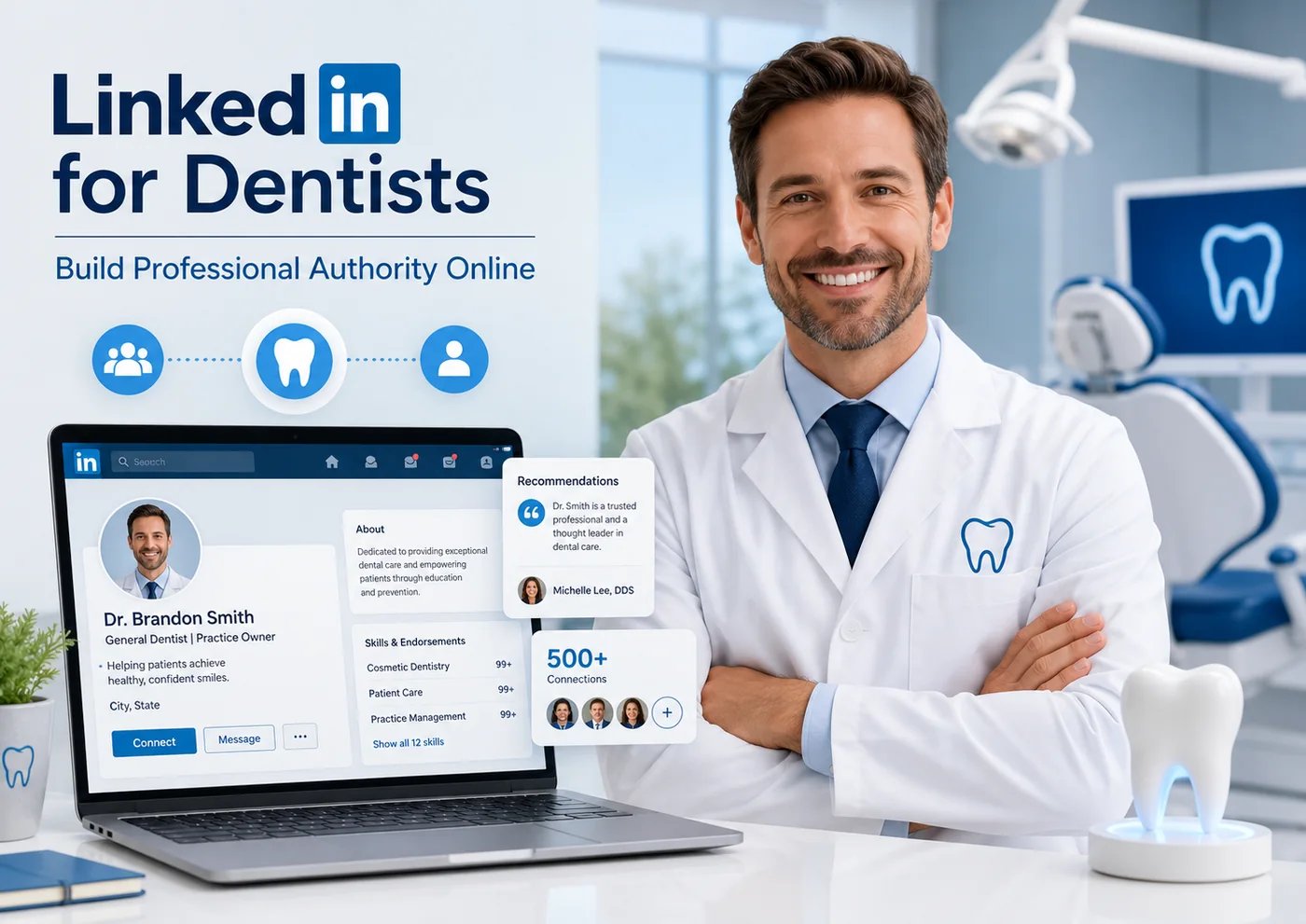 Dentists build professional authority online on LinkedIn by optimizing their profile, sharing consistent expert content, and engaging with peers—positioning themselves as credible experts to the specialists, referral sources, and prospective hires who drive a practice’s growth. Dentists build professional authority online on LinkedIn by optimizing their profile, sharing consistent expert content, and engaging with peers—positioning themselves as credible experts to the specialists, referral sources, and prospective hires who drive a practice’s growth.
For dental practices, LinkedIn works best as a professional reputation and relationship engine: it builds standing with other dental professionals rather than bringing in new patients. This guide shows dentists and practice teams exactly how to set up that presence and use it deliberately.
Most dental marketing belongs on Google, Facebook, and Instagram—where patients actually search. LinkedIn is different. Patients rarely choose a dentist there, so treating it like a patient-acquisition channel almost always disappoints. Its value is professional: general dentists building specialist referral relationships, specialists staying top-of-mind with referring GPs, owners recruiting associates and team members, and clinicians building a reputation that opens doors to study clubs, partnerships, speaking, and acquisition conversations.
Focused on getting more patients instead? LinkedIn is the wrong tool—start with local SEO, reviews, and paid search, then use LinkedIn for the professional relationships those channels cannot reach.
Below, you’ll learn what LinkedIn realistically does for a practice, how to optimize your profile to signal authority, whether to lead with a personal profile or a Company Page, what to post, how to build referral and recruiting relationships, and how to stay HIPAA-compliant while you do it.
Written for: dentists, specialists, practice owners, and the office managers or marketing coordinators who manage a practice’s professional presence online.
TL;DR
If you do only five things, do these:
| 1. |
Set realistic goals - LinkedIn builds professional authority, referrals, and recruiting—not patient volume
|
| 2. |
Fix the profile first - a specialty-specific headline, a strong About section, and a Featured section do most of the credibility work
|
| 3. |
Lead with a personal profile - people follow and refer people, not logos; add a Company Page for the brand and hiring
|
| 4. |
Post consistently around a few expert themes - clinical insight, team and culture, and community involvement beat random updates
|
| 5. |
Protect patient privacy - never post identifiable patient details; HIPAA applies to social media just like anywhere else |
Table of Contents
What LinkedIn does (and doesn’t do) for a dental practice
Be honest about the channel before you invest time in it. LinkedIn is a professional network, so the people you reach are other professionals—not patients searching for relief on a Saturday night. That distinction decides everything about how to use it.
What LinkedIn does well for a dental practice:
| • |
Builds specialist referral relationships - general dentists and specialists stay visible to each other and warm up referrals before the first call
|
| • |
Establishes professional credibility - a complete, expert-sounding presence reassures peers, vendors, study-club members, and potential partners
|
| • |
Powers recruiting - associates, hygienists, and managers research practices here, and you can reach passive candidates directly
|
| • |
Opens doors - speaking invitations, CE collaborations, partnership or transition conversations, and industry contacts often start on LinkedIn |
What LinkedIn will not do:
| • |
Fill your new-patient schedule - patients find dentists through search, maps, and reviews, not professional networking
|
| • |
Replace local marketing - treat it as a complement to SEO, reviews, and paid search, never a substitute
|
| • |
Reward sporadic effort - an abandoned profile or a once-a-quarter post does little; consistency is the cost of entry |
A pattern we commonly see: a practice expects patient leads, gets none, and concludes “LinkedIn doesn’t work.” It works—just for a different job. Aim it at relationships and reputation and the return becomes clear.
> Back to Table of Contents
How to optimize your LinkedIn profile to signal authority
Your profile is the asset that does the most work, because most people judge your credibility in the first few seconds. One note before you start: LinkedIn retired the old “Creator Mode” toggle in early 2024, so the tools that used to live there—the Follow button, the Featured section, analytics, and newsletters—are now built into every profile by default.
Optimize these elements in order of impact:
| • |
Headline - skip the bare word "Dentist" and state your specialty, focus, and who you serve. For example "Periodontist | Implants and gum disease | Accepting GP referrals"
|
| • |
Profile photo and banner - a current professional headshot and a simple branded banner; faces earn more trust than logos
|
| • |
About section - now displayed near the top of the profile, so open with your focus and credentials, then who you help and how to reach you
|
| • |
Featured section - pin your best proof: a case write-up, a published article, a press mention, or a short practice video
|
| • |
Experience and Education - list your dental school, residencies, fellowships, and continuing education; specialists should make training unmistakable
|
| • |
Skills, licenses, and recommendations - add credentials and request a few recommendations from colleagues, not patients |
One detail many dentists miss: set your primary profile button to Follow if your goal is content reach, or keep Connect if your goal is one-to-one networking. You can change it anytime in your settings.
> Back to Table of Contents
Personal profile vs. Company Page: which to build first
Lead with a personal profile. On LinkedIn, people follow and refer people—a named clinician earns more reach and trust than a practice logo. Build the dentist’s personal profile first, then add a Company Page as the practice’s official home.
Use each for what it does best:
| • |
Personal profile - your authority engine, where clinical insight, perspective, and relationships live, and where referrals actually form
|
| • |
Company Page - the brand record: practice overview, services, locations, and—most usefully—job postings and culture content for recruiting
|
| • |
Team profiles - encourage associates and managers to keep complete profiles too; a credible team multiplies the practice’s reach |
In a multi-dentist or specialty group, the strongest setup is several active personal profiles that all connect back to one well-kept Company Page. The Page alone rarely builds authority; the people do.
> Back to Table of Contents
What to post: content themes that build dental authority
You don’t need to post daily or chase trends. You need a few recurring content themes and enough consistency that peers start to associate your name with a topic. Pick three or four themes and rotate them.
Content themes that work for dental practices:
| • |
Clinical insight - explain a technique, material, or case approach in plain language; this is your clearest authority signal to referring colleagues
|
| • |
Behind the practice - team milestones, new technology, and culture posts that humanize the brand and support recruiting
|
| • |
Generalized patient education - useful explanations with no identifiable patient details, which colleagues often reshare
|
| • |
Community and profession - continuing education you attended, study-club takeaways, charity days, and local involvement that show engagement
|
| • |
Commentary - a measured take on a development in dentistry or practice management invites conversation and visibility |
Format matters less than rhythm. A short text post with one clear idea, published weekly, outperforms an elaborate video posted twice a year. If you want a longer format, the built-in article and newsletter tools let you publish deeper pieces that stay on your profile as standing evidence of expertise.
> Back to Table of Contents
How to build a professional referral network
For specialists especially, LinkedIn is a referral-relationship tool. The goal is not to ask for referrals—it’s to stay visible and credible to the dentists who make them, so your name is the one that comes to mind.
A practical approach:
| 1. |
Connect intentionally - send personalized requests to GPs and specialists in your area, referencing a shared connection, study club, or alumni tie
|
| 2. |
Engage before you pitch - comment thoughtfully on colleagues’ posts for a few weeks before expecting anything; familiarity precedes referrals
|
| 3. |
Be genuinely useful - share the kind of clinical content a referring dentist would be glad to learn from
|
| 4. |
Take it offline - move warm connections to a call, a lunch, or a continuing-education event; LinkedIn starts relationships, it doesn’t finish them |
A pattern we find with specialty practices: the periodontist or oral surgeon who quietly engages with local GPs for a few months sees referral conversations begin on their own—no hard ask required. Reciprocity helps, too; refer out and acknowledge colleagues publicly, and it tends to come back.
> Back to Table of Contents
Using LinkedIn to recruit associates and team members
Hiring is one of LinkedIn’s most concrete payoffs for a practice. Associates, hygienists, and office managers research employers here, and many strong candidates are passive—open to a great fit but not actively applying.
Make the practice easy to choose:
| • |
Keep the Company Page hiring-ready - a current overview, real photos, and culture posts a candidate can scroll through
|
| • |
Post roles as people, not just listings - a short note from the owner about the team and the opportunity outperforms a sterile job ad
|
| • |
Reach passive candidates directly - a warm, specific message about why you thought of them beats a mass recruiter blast
|
| • |
Let the team vouch - when staff share openings and speak well of the practice, candidates trust it far more than any ad |
Even without paid recruiter tools, a credible presence and an engaged team will surface candidates over time—especially when LinkedIn supports a broader recruitment and retention strategy. If hiring is a constant pressure, that payoff alone can justify the effort you put into LinkedIn.
> Back to Table of Contents
Staying HIPAA-compliant and protecting patient privacy
This is the part dentists cannot afford to get wrong. Dental practices are typically HIPAA-covered entities, and the rules apply to social media exactly as they do everywhere else. The safest rule of thumb: never post anything that identifies a patient—directly or indirectly—without specific written authorization.
Guardrails to follow:
| • |
No identifiable patient information - names, faces, treatment details, or anything that could let someone recognize a patient
|
| • |
Before-and-after photos need written authorization - a signed, HIPAA-compliant release for that specific use, kept on file
|
| • |
Be careful with reviews and comments - even confirming that someone is a patient can be a violation, so respond in general terms only
|
| • |
Generalize all education - teach the concept, never the case; explaining how implants work is fine, narrating a specific patient’s implant is not
|
| • |
Set a team policy - tell staff what they may and may not post about work, and name who approves practice content |
This is general guidance, not legal advice. Confirm your specific obligations with your HIPAA compliance resources or an attorney, and when in doubt, leave it out.
> Back to Table of Contents
How to measure results and a realistic weekly routine
Because LinkedIn pays off in relationships rather than form fills, judge it by leading indicators and by the conversations it starts—not by a patient-lead count.
Signals worth tracking:
| • |
Relevant connections and followers - are you growing your network of GPs, specialists, and local professionals?
|
| • |
Profile views and post reach - rising views, especially from your target roles, mean your authority is registering
|
| • |
Conversations started - referral inquiries, recruiting chats, and partnership messages are the real return
|
| • |
Recruiting outcomes - applicants and hires that trace back to your presence |
A routine you can actually sustain matters more than any single tactic. A realistic weekly cadence:
| 1. |
Post once - one short, clear post on a recurring theme
|
| 2. |
Engage in short bursts - ten to fifteen minutes a few times a week commenting on colleagues’ posts and replying to your own
|
| 3. |
Send a few personalized connections - to people who fit your referral or hiring goals
|
| 4. |
Review monthly - skim your analytics, note what resonated, and adjust |
Give it two to three months of steady effort before you evaluate. Authority compounds slowly, then noticeably.
> Back to Table of Contents
Get help building your practice’s authority online
Building professional authority on LinkedIn takes a clear strategy and consistent execution—two things busy practices struggle to maintain. WEO Media - Dental Marketing helps dental practices and specialists strengthen their reputation online, from social media marketing and content strategy to the search, review, and website work that brings in new patients. To talk through a plan for your practice, call 888-246-6906 or schedule a consultation.
> Back to Table of Contents
FAQs
Can dentists get new patients from LinkedIn?
Rarely, and it should not be the goal. Patients almost always find dentists through search engines, maps, and reviews, not professional networking. LinkedIn builds authority with peers, referral sources, and prospective hires, so treat it as a reputation and relationship channel that complements your patient-facing marketing rather than replacing it.
Should a dentist use a personal profile or a Company Page?
Lead with a personal profile, because people follow and refer people rather than logos. Build the dentist’s personal profile first for content and relationships, then add a Company Page as the practice’s official home for its overview, services, and job postings. In a group practice, several active personal profiles connected to one Company Page is the strongest setup.
How often should a dental practice post on LinkedIn?
Consistency matters more than volume. About one quality post per week, plus ten to fifteen minutes of commenting on colleagues’ posts a few times a week, is enough to build visibility without overwhelming a busy schedule. A simple weekly rhythm sustained for months outperforms occasional bursts of activity.
Can I post patient before-and-after photos on LinkedIn?
Only with specific, written, HIPAA-compliant authorization from that patient for that use, kept on file. Dental practices are typically HIPAA-covered entities, and the rules apply to social media just as they do elsewhere. When in doubt, generalize your content so no patient is identifiable, and confirm your obligations with your compliance resources or an attorney.
What happened to LinkedIn Creator Mode?
LinkedIn retired the Creator Mode toggle in early 2024 and folded its tools into every profile by default. The Follow button, Featured section, enhanced analytics, articles, and newsletters are now available to all users without switching anything on. Profile topic hashtags were removed, and the About section moved nearer the top of the profile.
How do I know if LinkedIn is working for my practice?
Judge it by leading indicators and conversations rather than patient leads. Track growth in relevant connections and followers, profile views and post reach among your target roles, and the referral, recruiting, and partnership conversations your presence starts. Give it two to three months of steady effort before evaluating, since professional authority compounds gradually. |
|





